 Koma – Frame by Frame Video
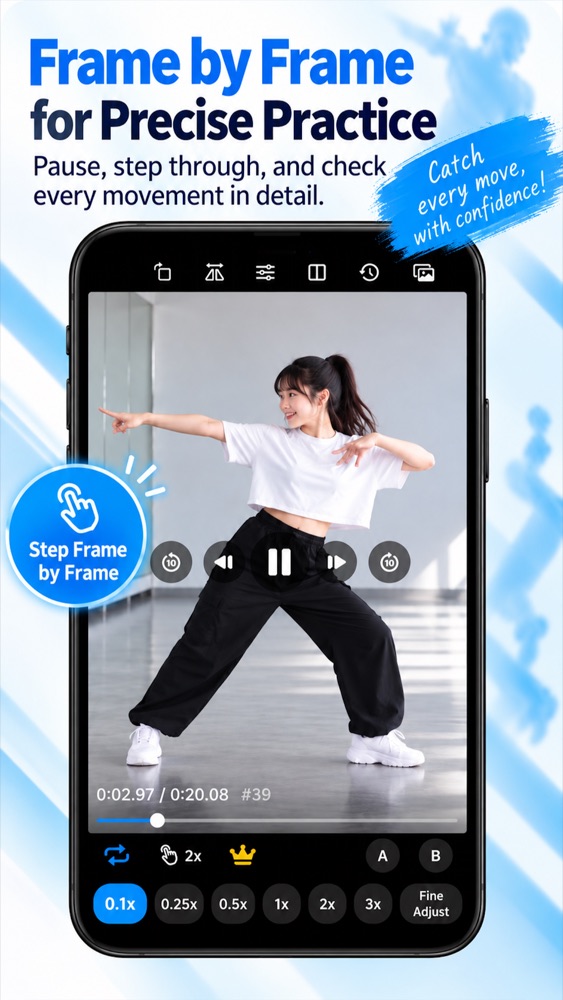
Frame-by-frame stepping
Pause and move one frame forward or back to catch the exact moment.
Koma is an iPhone & iPad video player built for studying dance choreography and sports form. Open any video from your library and break it down with frame stepping, slow motion, mirroring and side-by-side comparison.
Regular video players aren't made for learning choreography or checking your form.
The moves are too fast
You replay the chorus again and again and still can't catch the hand movement.
→ Slow it down to 0.1x and step frame by frame
Left and right are flipped
Dancing along facing the screen means mirroring every move in your head.
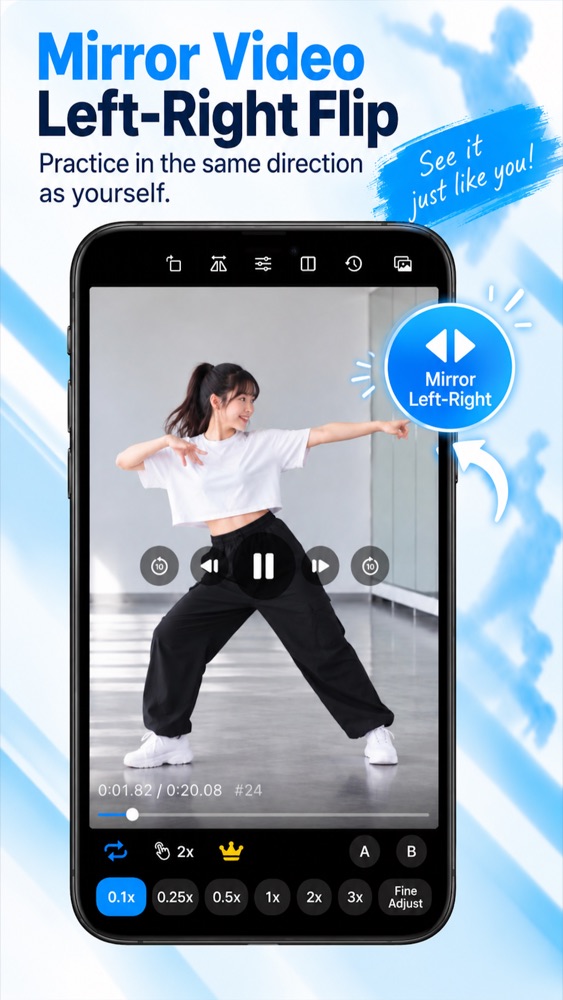
→ Mirror the video and copy it as you see it
Hard to see what's off
Watching your video and the reference separately makes it hard to compare.
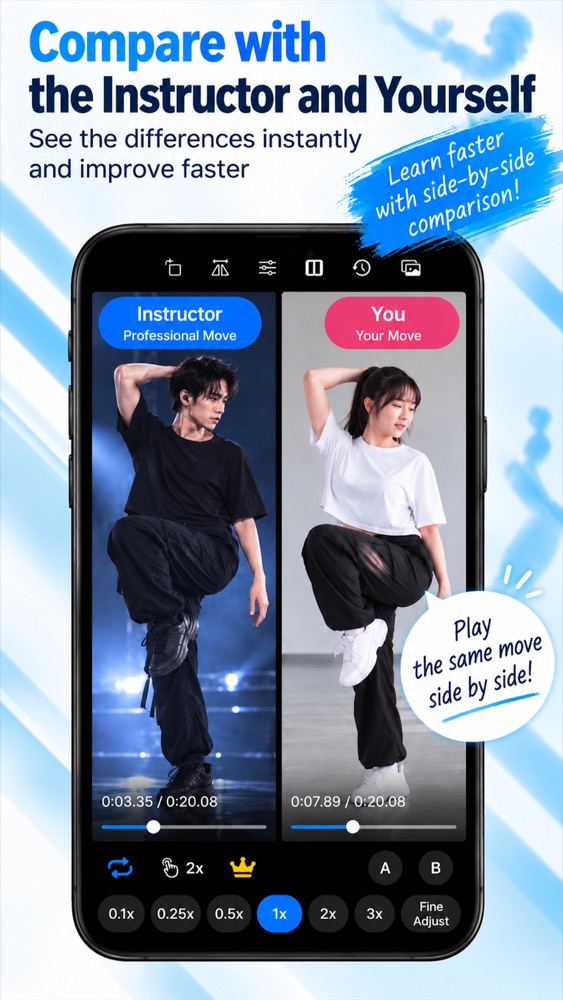
→ Play both side by side, perfectly in sync
All the ways you watch while you practice, in one app.
Pause and move one frame forward or back to catch the exact moment.
No more tapping a button over and over. Turn the dial or drag the ruler to step frames without covering the video.
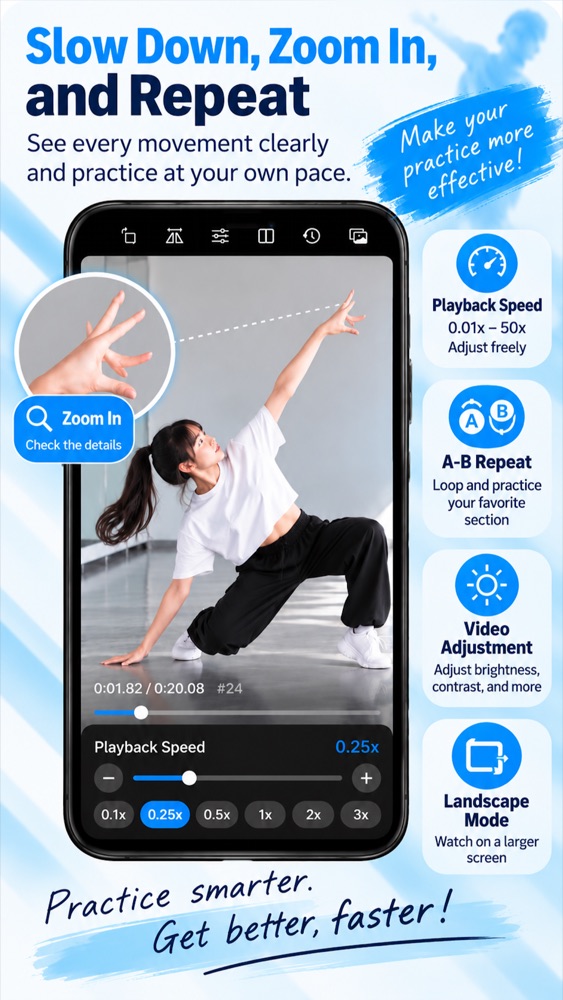
Presets plus fine-tuning for any speed you like. Premium unlocks 0.01x to 50x.
Flip the picture left to right so you can dance along facing the same way.
Play two videos together and step them frame by frame in sync. Speed and repeat are set per video.
Loop just the part you're working on and drill that 8-count until it clicks.
Drop a flag and jump back to it with one tap, even while the video is playing.
Zoom in on hands, feet or posture. Each video zooms independently in comparison mode.
Press and hold to play faster or slower, then let go to return to your speed.
Choose any dance or practice video from your photo library. No account needed.
Watch the whole routine slowly, then step frame by frame through the tricky moments.
Mirror the reference to dance along, then put your video next to it to spot the differences.
Learn choreography, cover dances and audition routines. Catch every detail of the chorus.
Film your swing or pitch, slow it down, and compare it with a pro's form.
Walk students through their videos frame by frame to point out exactly what to fix.
Want no ads and finer speed control? Premium is a one-time purchase.
Yes. Frame stepping, slow motion, mirroring, side-by-side comparison and the other core features are free. Premium, a one-time purchase, removes ads.
Any video saved in the Photos app on your iPhone or iPad, including videos you filmed and dance videos you saved.
Selected videos are copied only to your device and never uploaded. The app keeps the 10 most recent videos and removes older ones automatically.
Purchase Premium (one-time) from the crown button in the app. Ads disappear, and speeds from 0.01x to 50x and Picture in Picture are unlocked.
Tap “Restore Purchases” on the Premium screen.
Check the device volume. The app plays audio even when the silent switch is on. In comparison mode the second video starts muted (toggle it with the speaker button).
By design, the app ignores device rotation. Use the rotate button at the top right to switch between portrait and landscape.
Not yet. Koma is currently available for iPhone and iPad.
Free to download. No sign-up required.
Download on theApp Store — Free